


LinkedIn Ads Attribution for B2B SaaS
Most B2B SaaS companies I talk to are making the same mistake with LinkedIn: they look at the 30-day attribution window, see almost nothing, and assume the channel is not working. So they cut the budget. And they are usually wrong. LinkedIn has a measurement problem, not a performance problem, and I want to be very direct about what is actually happening here. LinkedIn Ads attribution is the process of measuring which LinkedIn ad campaigns, audiences, and creatives generate qualified leads and revenue for B2B SaaS companies. LinkedIn uses a default 30-day click and 7-day view attribution window (configurable up to 180 days for Website Actions conversions) and reports conversions through the LinkedIn Insight Tag (a browser-side JavaScript pixel) or the LinkedIn Conversions API for server-side events. The core challenge for B2B SaaS is that sales cycles run 30 to 180 days or longer, which means LinkedIn’s default window often expires before a deal closes. The platform ends up undercounting its own contribution to pipeline and revenue. This creates a specific problem: you cannot optimize what you cannot measure, and LinkedIn’s native tools were not built for the timeline on which enterprise software actually sells.
TL;DR
- LinkedIn’s default attribution window is 30-day click / 7-day view. You can extend it to 90 days for standard conversions or 180 days for Website Actions conversions. But B2B SaaS sales cycles average 84 days at mid-market and stretch past 6 months for enterprise — so the default window misses most of the revenue LinkedIn actually influenced.
- LinkedIn offers two tracking methods: the Insight Tag and the Conversions API. The Insight Tag is browser-side and subject to cookie restrictions, ad blockers, and cross-device gaps. The Conversions API (launched January 2023) sends events server-side, recovering lost signal. Running both together gives the most complete picture.
- The real attribution gap is between LinkedIn and your CRM. A prospect clicks a LinkedIn ad, visits your site over two months, gets nurtured by email, and closes on a sales call. LinkedIn sees the first click. Your CRM sees the closed deal. Nothing connects the two unless you build that bridge with server-side tracking or a platform like Hyros.
- Hyros tracks the full journey from LinkedIn click to closed-won deal by matching the original click identifier to CRM events regardless of how many months pass between first touch and revenue.
How does LinkedIn Ads attribution work?
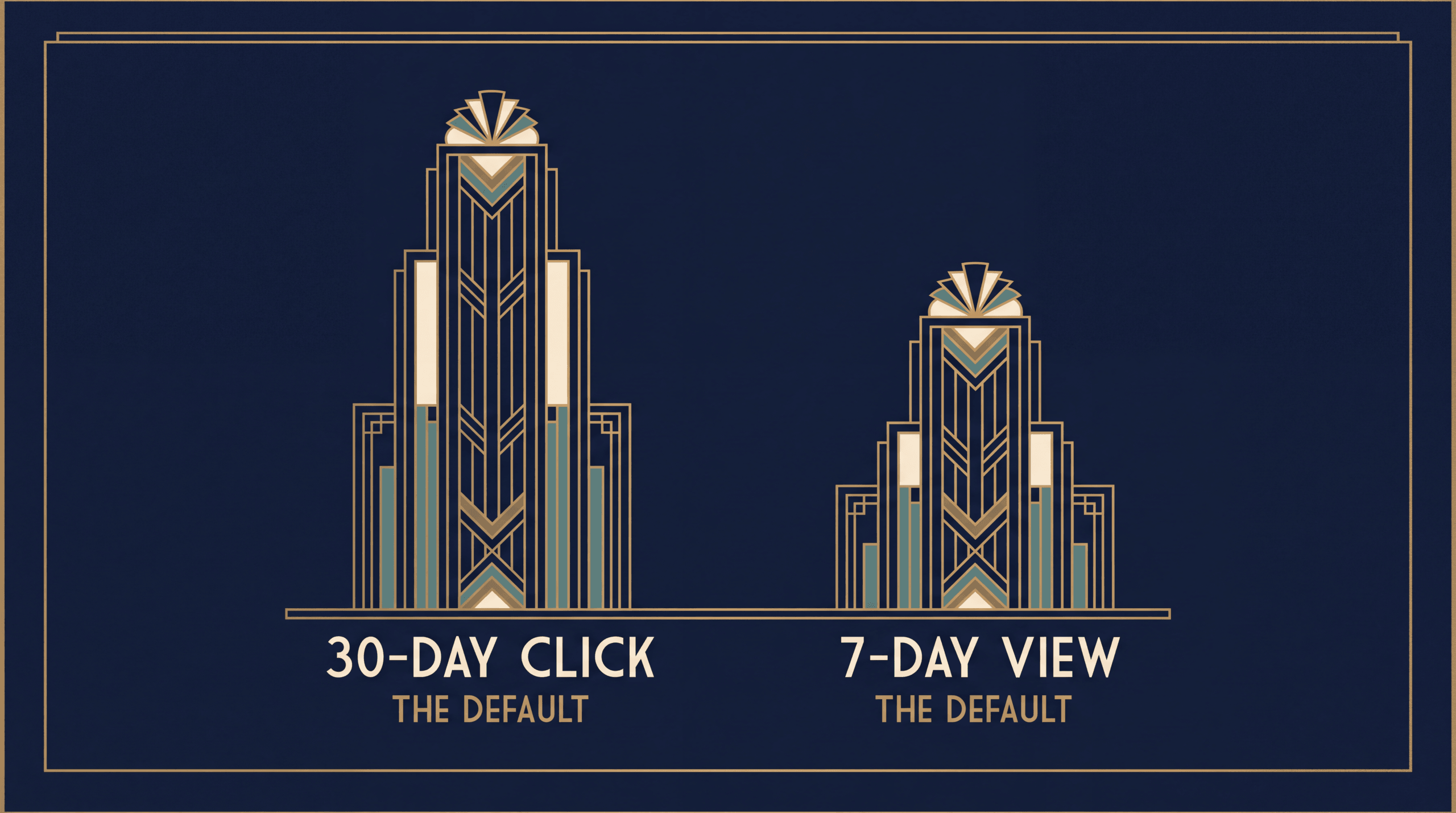
LinkedIn Campaign Manager records conversions in two ways: post-click (someone clicks your ad and later converts) and view-through (someone sees your ad without clicking and later converts). The system relies on the LinkedIn Insight Tag, a small JavaScript snippet installed on your website, to detect these events.
When a member clicks your ad and lands on a page where the Insight Tag fires, LinkedIn logs that visit. If the member later reaches a page you have designated as a conversion event — a demo request confirmation page, a free trial signup, a pricing page form submission — LinkedIn attributes that conversion back to the ad. Simple enough for a short buying process. Disastrous for anything longer than 30 days.
The LinkedIn Insight Tag
The Insight Tag is LinkedIn’s equivalent of the Meta Pixel or the Google Ads tag. It sits in the header of every page on your website and fires on each page load. LinkedIn uses it to match website visitors to LinkedIn members, which enables retargeting audiences and conversion tracking.
The tag works well under controlled conditions. But it is browser-side JavaScript, which means three categories of signal loss apply:
Cookie restrictions. Safari’s Intelligent Tracking Prevention caps first-party cookies set by JavaScript to 7 days in some configurations. A prospect who clicks your LinkedIn ad on Safari and returns 10 days later to request a demo will not be attributed to that click. The cookie expired.
Ad blockers. Over 30% of desktop users run ad-blocking software. Many ad blockers prevent the Insight Tag from loading at all. Those visits and conversions are invisible to LinkedIn.
Cross-device gaps. A VP of Engineering clicks your LinkedIn ad on their phone during a commute. Two weeks later, they request a demo from their work laptop. Different device, different browser, different cookie. LinkedIn cannot connect the two events through the Insight Tag alone.
The LinkedIn Conversions API
LinkedIn launched its Conversions API (CAPI) in January 2023, following Meta and TikTok into server-side tracking. Instead of relying on the browser to fire events, CAPI lets you send conversion data directly from your server to LinkedIn’s servers. The data includes hashed personally identifiable information — email address, first name, last name, company — which LinkedIn matches against its member database.
The advantage is straightforward: server-side events are not affected by cookie expiration, ad blockers, or cross-device fragmentation. If you capture a prospect’s email at form submission and send that event server-side to LinkedIn, the conversion gets attributed even if the prospect originally clicked from a different device or browser.
CAPI also supports offline conversions. A prospect who clicked a LinkedIn ad three months ago and just closed a $50,000 annual contract through your sales team? You can send that closed-won event to LinkedIn through CAPI. The platform learns which campaigns drive real revenue, not just form fills.
Attribution windows: 30-day click, 7-day view, and beyond
LinkedIn’s default attribution settings are a 30-day click window and a 7-day view window. This means a conversion must happen within 30 days of a click (or 7 days of an impression) for LinkedIn to credit the ad.
You can adjust these. Standard Insight Tag conversions offer windows of 1, 7, 30, or 90 days. Website Actions conversions extend the options to 30, 60, 90, or 180 days. And if you use the Conversions API with CSV file uploads for specific conversion types (Submit Application, Purchase, Add to Cart, Qualified Lead, Lead), LinkedIn supports a lookback window of up to 365 days.
Here is why this matters for SaaS: the median B2B SaaS sales cycle is 84 days for mid-market deals. Enterprise deals routinely take 6 to 9 months. If you leave LinkedIn’s window at 30 days, every deal that takes longer than a month to close — which is most of them — shows up as an “organic” or “direct” conversion in your CRM. LinkedIn gets no credit. Your ad performance reports look worse than reality. And you make budget decisions based on incomplete data.
Why does LinkedIn attribution break for B2B SaaS?
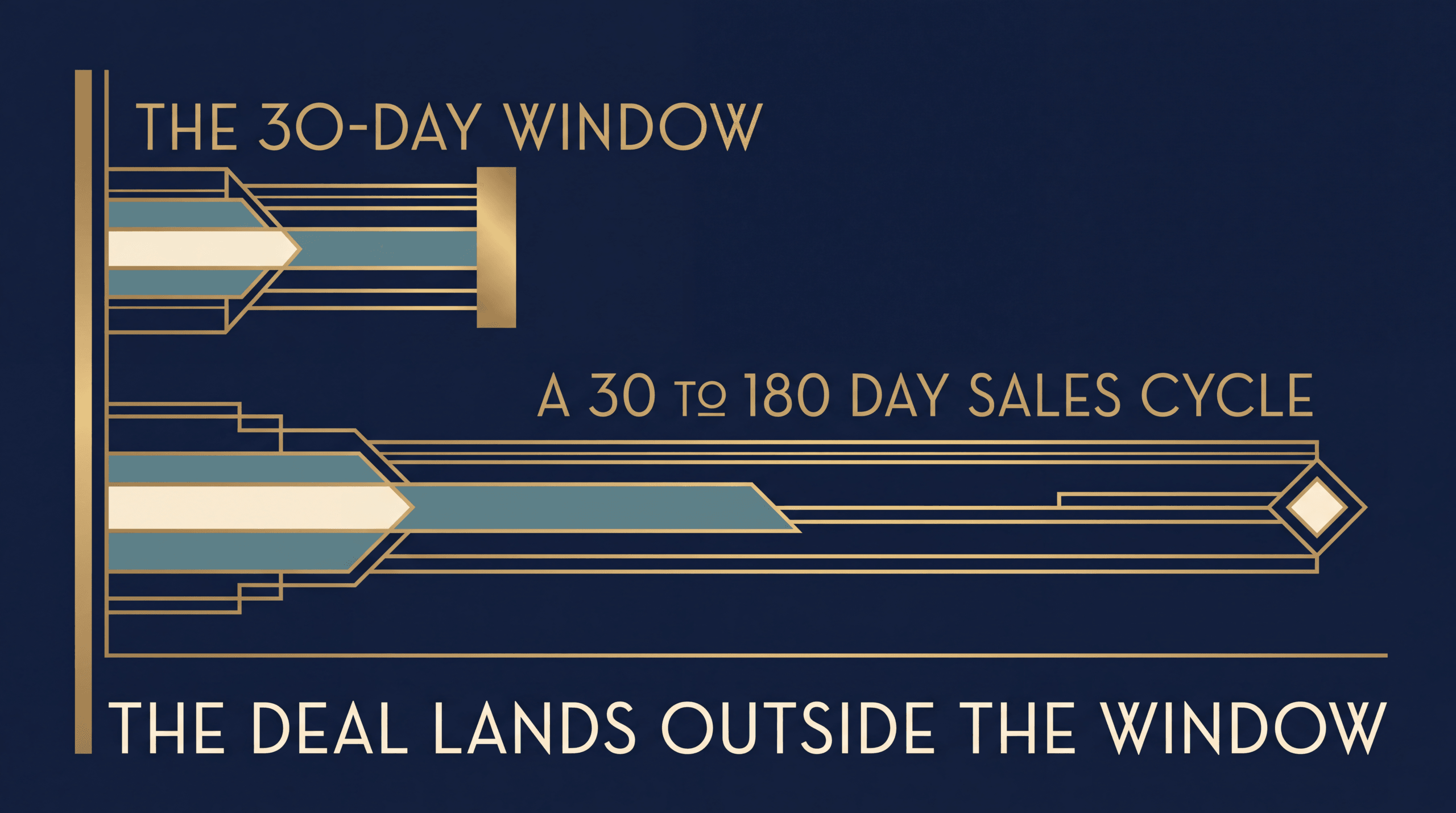
The attribution problem on LinkedIn is not a bug in LinkedIn’s software. It is a structural mismatch between how LinkedIn measures and how B2B SaaS sells.
Long sales cycles outlast the attribution window
A SaaS company selling a $30,000/year platform to mid-market buyers will typically see 60 to 120 days between first touch and signed contract. Enterprise deals at $100,000+ stretch to 180 days or more. LinkedIn’s 30-day default window captures the first act of a three-act play and then goes dark.
The math is unforgiving. If your sales cycle is 90 days and your attribution window is 30 days, roughly two-thirds of your conversion timeline falls outside what LinkedIn can see. Every deal that closes in month two or three registers as zero return on your LinkedIn spend. Your CFO looks at the numbers and asks why you are spending $35 per CPM on a channel that appears to produce nothing. The problem is not the channel. The problem is the measurement.
Let’s imagine a VP of Engineering who clicks a LinkedIn Sponsored Content post in January. They do not fill out the form. They bookmark the page. Six weeks later they bring it to their team. Eight weeks after that, the procurement lead submits a demo request from a completely different device. The deal closes in April. Under LinkedIn’s 30-day window, that $40,000 contract shows up as direct traffic. LinkedIn gets zero credit. I’ve seen this exact pattern create budget decisions that kill profitable channels — not because the channel stopped working, but because the measurement expired before the sale closed.
Multiple stakeholders on a single deal
Gartner’s research on complex B2B purchases finds the typical buying group includes 6 to 10 decision-makers, with each person independently gathering 4 to 5 pieces of information before sharing findings with the group (Gartner, Win More B2B Sales Deals, 2018). A typical buying committee for a $50,000 SaaS contract might include a VP of Marketing who first saw the ad, a Director of Operations who attended the webinar, a procurement lead who compared pricing, and a CFO who approved the budget.
LinkedIn’s attribution tracks the individual member who clicked. It does not track the buying committee. If the VP of Marketing clicked the ad but the Director of Operations filled out the demo form, LinkedIn may not connect the two. And if the actual purchase decision happens in a boardroom six weeks later, no tag or pixel is present to record it.
LinkedIn often assists but does not close
In most B2B journeys, LinkedIn sits at the top of the funnel. It is where decision-makers first encounter your brand — through a Sponsored Content post in their feed, a Message Ad in their inbox, or a retargeting display ad. But the actual conversion usually happens through a different channel: a Google search for your brand name, a direct visit to your pricing page, an email reply to a nurture sequence.
Under last-touch attribution — which is what most CRMs default to — Google or email gets all the credit. LinkedIn gets none. Under first-touch attribution, LinkedIn gets credit but only within the attribution window. If the window expires before the deal closes, even first-touch misses it.
This is the fundamental tension. LinkedIn is often the reason a prospect enters your pipeline. But it is rarely the last thing they touch before signing. And most measurement systems only reward the last touch.
How do LinkedIn Ads and Google Ads attribution compare?
B2B SaaS companies commonly run both LinkedIn and Google Ads. Understanding how their attribution systems differ helps explain why LinkedIn performance often looks worse on paper than it actually is.
| Feature | LinkedIn Ads | Google Ads |
|---|---|---|
| Default click window | 30 days | 30 days |
| Default view window | 7 days | 1 day (Display) |
| Maximum standard window | 90 days (Insight Tag) / 180 days (Website Actions) | 90 days |
| Server-side API | Conversions API (Jan 2023) | Enhanced Conversions + Offline Import |
| Attribution model | Last-touch (default) or first-touch | Data-Driven Attribution (default since late 2021) |
| CRM integration | Manual or via CAPI | GCLID-based offline import |
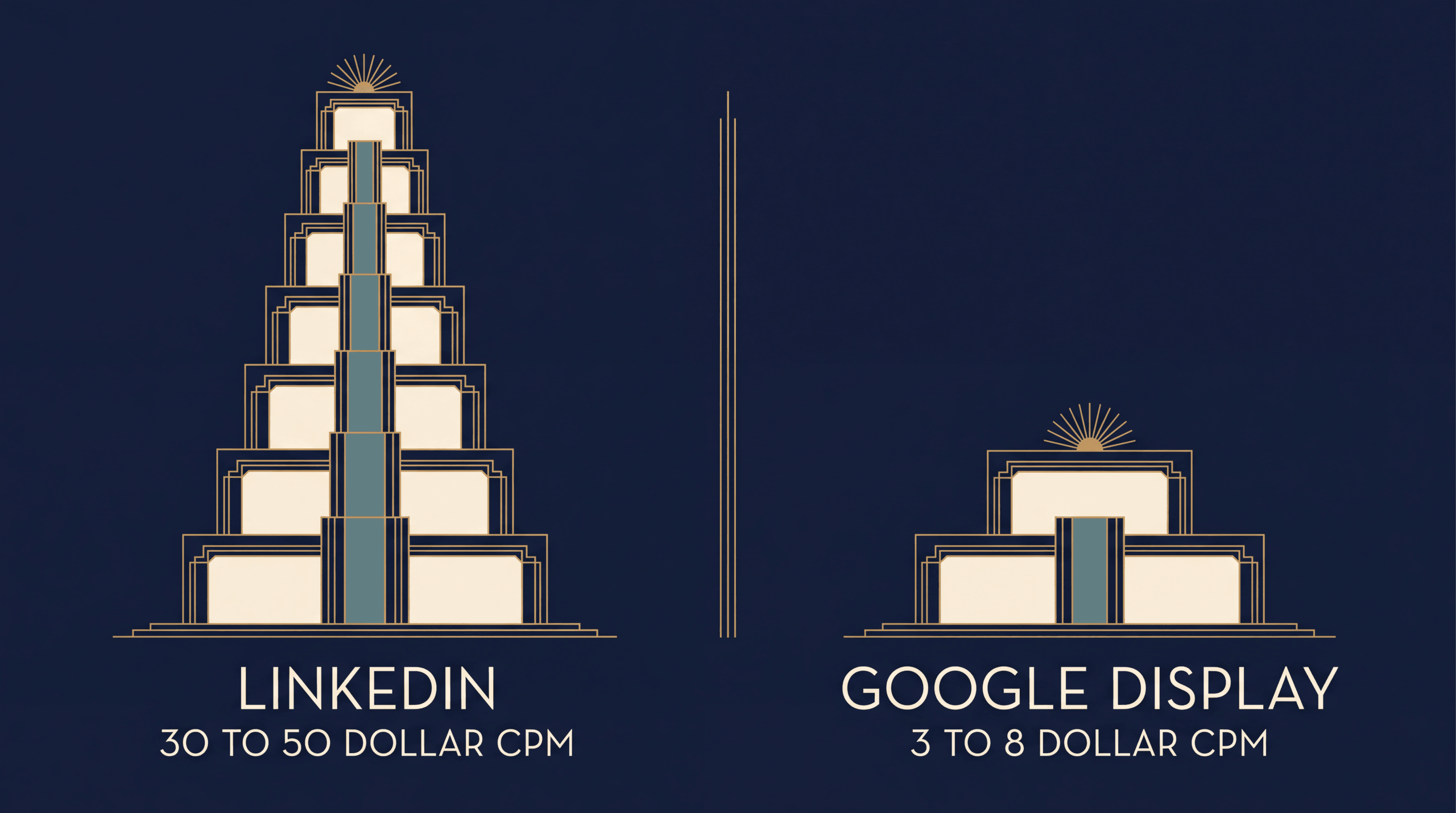
| Typical CPM | $30-50 | $3-8 (Display), varies for Search |
| Best for | Top-of-funnel awareness, account-based targeting | Intent capture, bottom-of-funnel conversion |
Two things stand out from this comparison. And I think both of them are consistently underappreciated by B2B marketers.
First, Google Ads made Data-Driven Attribution its default model in late 2021 and removed first-click, linear, time-decay, and position-based models in 2023. LinkedIn still uses a simpler last-touch or first-touch model with no multi-touch option inside Campaign Manager. This means LinkedIn has no built-in way to show partial credit for deals it influenced but did not directly close.
Second, LinkedIn CPMs run 3 to 5 times higher than Meta and higher than Google Display. At $35-50 per thousand impressions versus $6-10 on Meta, every misattributed conversion on LinkedIn costs more. A single misattributed lead at $150 cost per lead can distort an entire campaign’s reported return. The margin for measurement error is thin.
For a deeper explanation of how multi-touch attribution works and why it matters for channels like LinkedIn that sit early in the funnel, see our guide on multi-touch attribution. If you are new to attribution concepts entirely, start with our primer on what ad attribution is.
How should you set up LinkedIn conversion tracking?
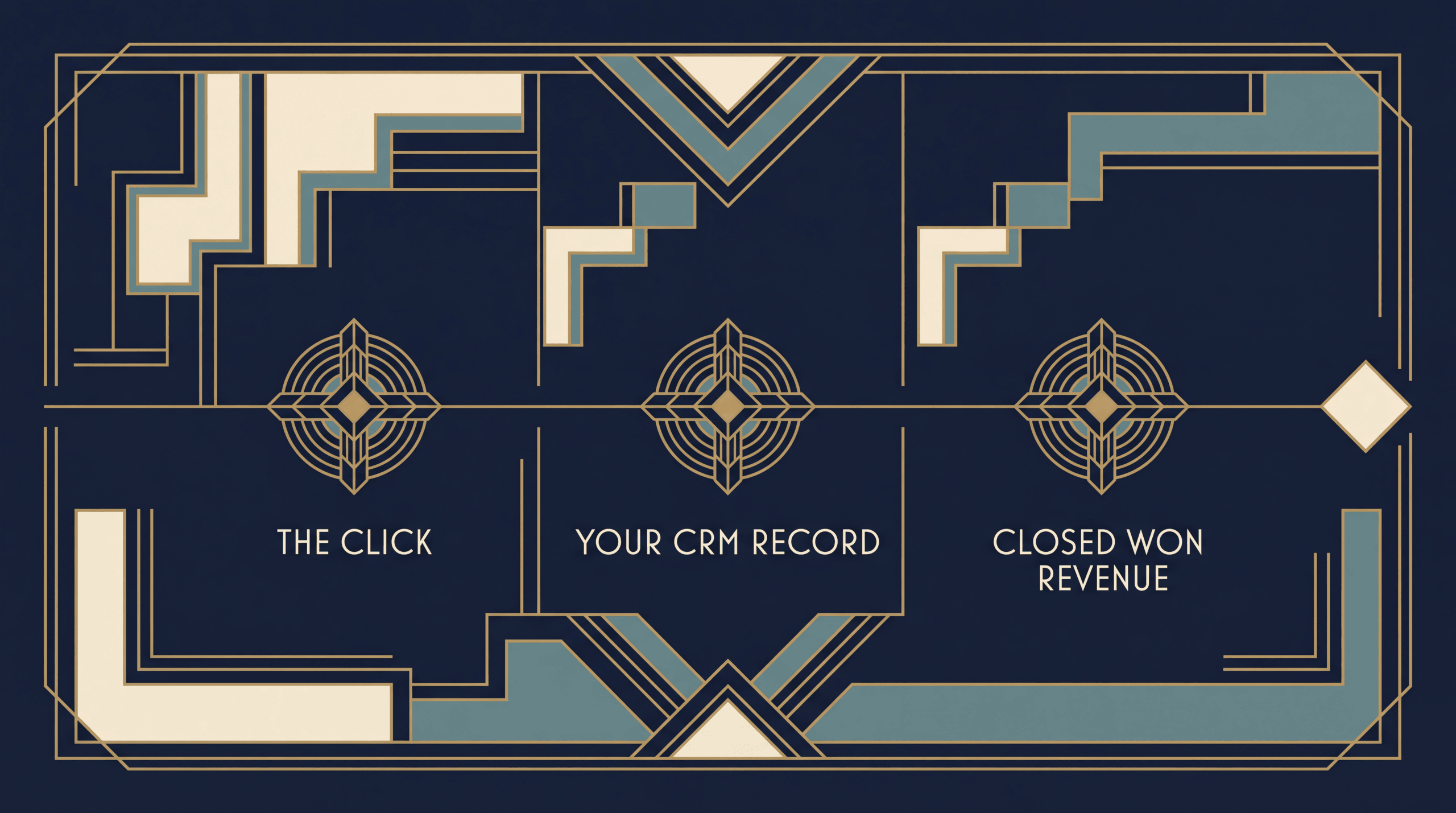
Setting up LinkedIn conversion tracking correctly from the start prevents the retroactive scramble of trying to prove ROI after the budget has already been spent. Here are five steps.
Step 1: Install the LinkedIn Insight Tag site-wide
Add the Insight Tag to every page of your website, not just landing pages. B2B prospects browse multiple pages before converting — pricing, case studies, documentation, blog posts. If the tag only fires on your landing page, you lose visibility on the full browsing journey.
Install the tag through your tag management system (Google Tag Manager is the most common) or directly in your site header. Verify it is firing correctly using the LinkedIn Insight Tag Helper Chrome extension.
Step 2: Define conversion events in Campaign Manager
Create conversion events that map to your actual sales funnel stages. For most B2B SaaS companies, this means:
- Demo request submitted (high-intent lead)
- Free trial started (product-qualified lead)
- Pricing page visited (buying signal, not a conversion but useful for optimization)
- Content downloaded (top-of-funnel engagement)
Do not create a single “Lead” conversion that lumps everything together. Separate events let LinkedIn’s algorithm distinguish between a whitepaper download and a demo request — and bid accordingly.
Step 3: Enable the LinkedIn Conversions API for server-side events
Set up CAPI to send conversion events from your server to LinkedIn alongside the Insight Tag. This creates a redundant tracking setup — the same approach Meta recommends for its Conversions API. Browser-side and server-side events fire in parallel, with LinkedIn deduplicating based on event ID.
CAPI is particularly important for B2B SaaS because your highest-value conversions (closed-won deals, expansion revenue, renewals) happen in your CRM, not on your website. Sending those events back to LinkedIn through CAPI gives the platform data it could never capture through the Insight Tag.
Step 4: Pass click identifiers to your CRM
When a prospect clicks a LinkedIn ad and lands on your site, LinkedIn appends a click identifier to the URL (the li_fat_id parameter). Capture this identifier in your lead form’s hidden fields and store it in your CRM alongside the contact record.
This is the connective tissue between LinkedIn and your sales pipeline. When a deal closes four months later, you can trace it back to the specific LinkedIn campaign, ad creative, and audience segment that generated the first click — but only if you stored the click ID.
Step 5: Extend the attribution window in Campaign Manager
Change your click attribution window from the 30-day default to 90 days (for standard conversions) or 180 days (for Website Actions). If your average sales cycle is 84 days, a 30-day window will miss the majority of your conversions by definition.
Open Campaign Manager, go to your conversion settings, and adjust the lookback window. For companies using the Conversions API with CSV uploads for specific conversion types, you can extend to 365 days.
This single configuration change — extending the window — can meaningfully change how LinkedIn’s ROI appears in your reporting. You are not changing the actual performance. You are changing what the measurement system is allowed to see.
How does Hyros solve the B2B attribution gap?
Hyros addresses the structural mismatch between LinkedIn’s measurement capabilities and B2B SaaS sales timelines by building an independent attribution layer that operates outside LinkedIn’s system. I built this specifically because I was watching B2B advertisers cut LinkedIn budgets based on platform-reported numbers that were missing half the story.
Unlimited attribution windows
LinkedIn caps its attribution window at 180 days for Website Actions (365 for certain CAPI conversion types). Hyros has no window limit. A LinkedIn ad click that generates a closed-won deal 9 months later is still attributed to the originating campaign. For enterprise SaaS companies with 6 to 12-month sales cycles, this is the difference between LinkedIn showing positive ROI and LinkedIn showing nothing.
Server-side identity resolution
Hyros tracks users through deterministic matching — email address, phone number, and other first-party identifiers collected at form submission. This means a prospect who clicks a LinkedIn ad on their phone, browses your site from a work laptop, joins a webinar from a personal email, and signs a contract three months later through a sales call is still stitched into one journey. The Insight Tag would lose this person at the first device switch.
According to CheckThat.ai’s independent attribution analysis, Hyros recovers 29-33% more conversions than platforms report on their own. For B2B SaaS companies where average contract values run $20,000 to $100,000 or more, recovering even a few “lost” conversions can change the entire ROI calculation for LinkedIn as a channel.
CRM-to-ad platform feedback loop
Hyros connects to CRMs like Salesforce and HubSpot to capture downstream revenue events — opportunity created, deal closed, expansion revenue, renewal — and feeds that data back to LinkedIn (and Google, and Meta, and any other platform in the mix). This means LinkedIn’s Campaign Manager does not just see form fills. It sees which form fills turned into $50,000 contracts and which ones went cold.
That feedback loop matters for optimization. LinkedIn’s algorithm learns which audiences and creatives produce revenue, not just clicks. Over time, this makes the algorithm better at targeting the prospects most likely to buy, not just the prospects most likely to click.
According to a published Hyros case study, one advertiser discovered $80,000 to $100,000 per month in wasted ad spend after implementing Hyros tracking — spend that was going to campaigns that looked profitable under platform-reported attribution but were not generating real revenue. For high-CPM channels like LinkedIn, where every dollar of wasted spend is amplified by $35-50 CPMs, that visibility is not optional.
Pricing context
Hyros starts at $230 per month on an annual plan or $379 per month on a monthly plan for the Business pricing tier. For a B2B SaaS company spending $10,000 or more per month on LinkedIn Ads alone, the cost of the tracking platform is a fraction of one misattributed deal. If a single $30,000 contract was being credited to “direct traffic” instead of the LinkedIn campaign that actually generated it, you were already making budget decisions on bad data.
For more context on how attribution affects your cost per acquisition calculations, see our guide on the CAC formula and our breakdown of CAC payback period. And for a broader view of how B2B attribution works across all channels — not just LinkedIn — see our guide on B2B attribution.
What does a real B2B SaaS LinkedIn attribution setup look like?
Here is what the full picture looks like when the pieces are connected.
A Series B SaaS company sells a workflow automation platform at $36,000 per year. They spend $25,000 per month on LinkedIn Ads targeting VP-level operations leaders at companies with 200 to 2,000 employees. Their sales cycle averages 75 days.
Without independent attribution: LinkedIn Campaign Manager reports 12 demo requests last month at $2,083 cost per lead. Only 3 of those demos close within the 30-day attribution window, so LinkedIn’s reported cost per acquisition is $8,333. The CFO says cut the budget.
With independent attribution: A platform like Hyros tracks the full journey. Those 12 demo requests produced 7 closed deals over the following 90 days — 4 of which closed after LinkedIn’s default attribution window expired. The true cost per acquisition is $3,571, and the lifetime value of those 7 accounts (assuming 3-year retention) is $756,000 against $25,000 in ad spend. The CFO says scale the budget.
Same spend. Same results. Completely different story depending on what the measurement system can see.
For a deeper understanding of how lifetime value relates to acquisition cost and why this ratio determines whether you should scale or cut, see our guide on LTV:CAC ratio.
FAQ
What is LinkedIn’s default attribution window?
LinkedIn’s default attribution window is 30 days for post-click conversions and 7 days for view-through conversions. This means a conversion must happen within 30 days of a click or 7 days of an ad impression for LinkedIn to attribute it to the campaign. You can adjust these windows to 1, 7, 30, or 90 days for standard Insight Tag conversions, or up to 180 days for Website Actions conversions. If your sales cycle exceeds the selected window, those late-closing deals will not appear in your LinkedIn attribution reports.
Can I extend LinkedIn’s attribution window beyond 30 days?
Yes. In Campaign Manager, you can change the conversion window to 90 days for standard conversions. For Website Actions conversions, the options extend to 30, 60, 90, or 180 days. If you use the LinkedIn Conversions API with CSV file uploads for certain conversion types (Qualified Lead, Purchase, Submit Application, Add to Cart, Lead), LinkedIn supports a lookback window of up to 365 days. For sales cycles that exceed even 365 days, a third-party attribution platform like Hyros removes the window limit entirely.
Does LinkedIn have a server-side tracking API?
Yes. LinkedIn launched its Conversions API (CAPI) in January 2023. It allows advertisers to send conversion events directly from their servers to LinkedIn, bypassing the browser-based Insight Tag. CAPI supports hashed personally identifiable information (email, name, company) for identity matching and works for both online and offline conversions. You can implement it through direct API integration, Google Tag Manager server-side containers, or managed platforms like Hyros that handle the integration automatically.
How do I track LinkedIn ads through a 6-month sales cycle?
You need three things. First, extend your LinkedIn attribution window to the maximum available for your conversion type (180 days for Website Actions, 365 days for CAPI with eligible conversion types). Second, capture LinkedIn’s click identifier (li_fat_id) in your lead forms and store it in your CRM so you can trace closed deals back to the originating click. Third, use the LinkedIn Conversions API or a platform like Hyros to send closed-won revenue events back to LinkedIn after the deal closes, no matter how many months have passed. Without all three, your LinkedIn reporting will undercount conversions on every deal that takes longer than 30 days.
Is LinkedIn Ads worth it for B2B SaaS?
LinkedIn is the only major ad platform that lets you target by job title, company size, industry, and seniority with precision. For B2B SaaS companies selling to specific decision-makers, that targeting is difficult to replicate on Google or Meta. The tradeoff is cost: LinkedIn CPMs run $30 to $50, roughly 3 to 5 times higher than Meta. That means LinkedIn works when your average contract value is high enough to absorb the cost per lead — typically $20,000 per year or above. It does not work well for low-ticket SaaS at $29 per month where no cost per lead math makes sense at LinkedIn’s price point. The key is measuring accurately. If your attribution undercounts LinkedIn, you will cut a profitable channel. If it overcounts, you will overspend. Neither outcome is acceptable when CPMs are this high.
What is the difference between the LinkedIn Insight Tag and the Conversions API?
The Insight Tag is browser-side JavaScript that fires when a LinkedIn member visits your website. It depends on cookies, runs in the browser, and is blocked by ad blockers. The Conversions API sends conversion data server-to-server, bypassing the browser entirely. CAPI is not affected by cookie expiration, ad blockers, or cross-device gaps. LinkedIn recommends running both simultaneously (a “redundant setup”) for the most complete attribution data. The Insight Tag captures on-site browsing behavior for retargeting; CAPI captures conversion events including offline conversions like closed deals from your CRM.
Standalone Summary
LinkedIn Ads attribution is the measurement of which LinkedIn campaigns, audiences, and creatives generate qualified pipeline and revenue for B2B SaaS companies. LinkedIn defaults to a 30-day click and 7-day view attribution window, configurable up to 180 days for Website Actions conversions and 365 days through the Conversions API for specific conversion types. The structural challenge is that B2B SaaS sales cycles average 84 days at mid-market and exceed 6 months for enterprise deals, causing the default window to expire before most deals close. LinkedIn tracks conversions through the browser-based Insight Tag and the server-side Conversions API launched in January 2023. The Insight Tag loses signal to cookie restrictions, ad blockers, and cross-device gaps. The Conversions API recovers that signal but still operates within LinkedIn’s attribution window. Independent attribution platforms like Hyros remove the window limit entirely, tracking the full journey from LinkedIn click to closed-won deal by matching click identifiers to CRM revenue events regardless of timeline.
Track LinkedIn ad clicks through 6-month B2B sales cycles with Hyros. Book a demo